Free download, no sign-up

When to use it
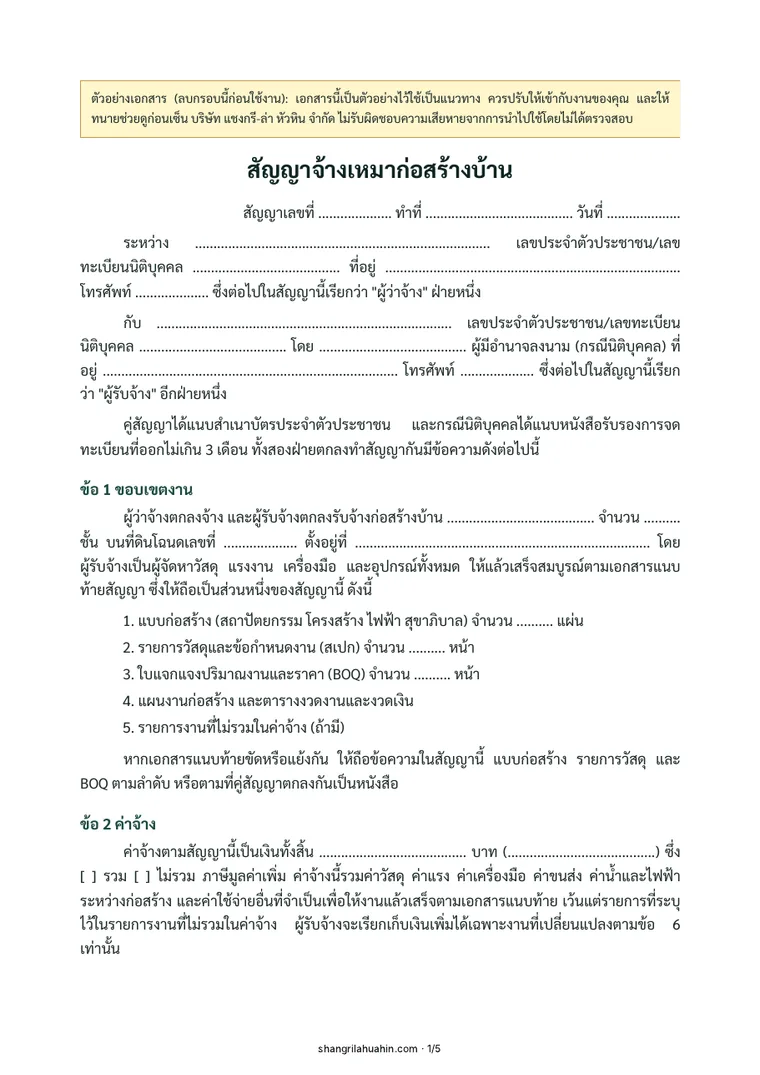
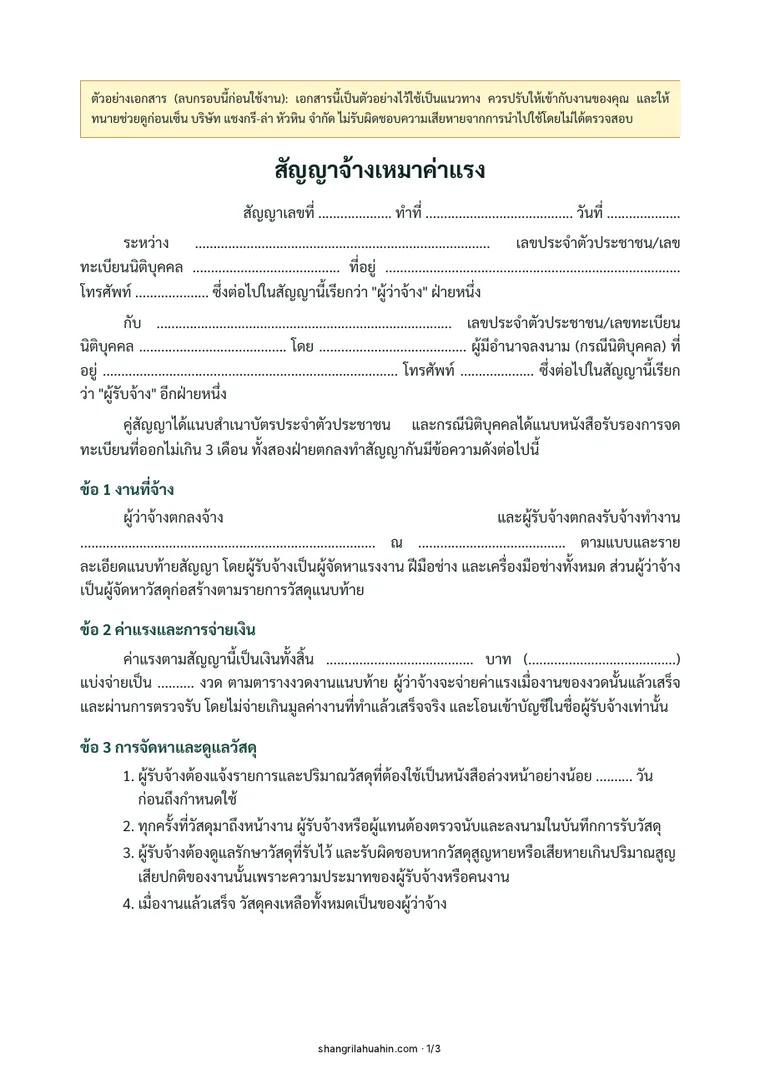
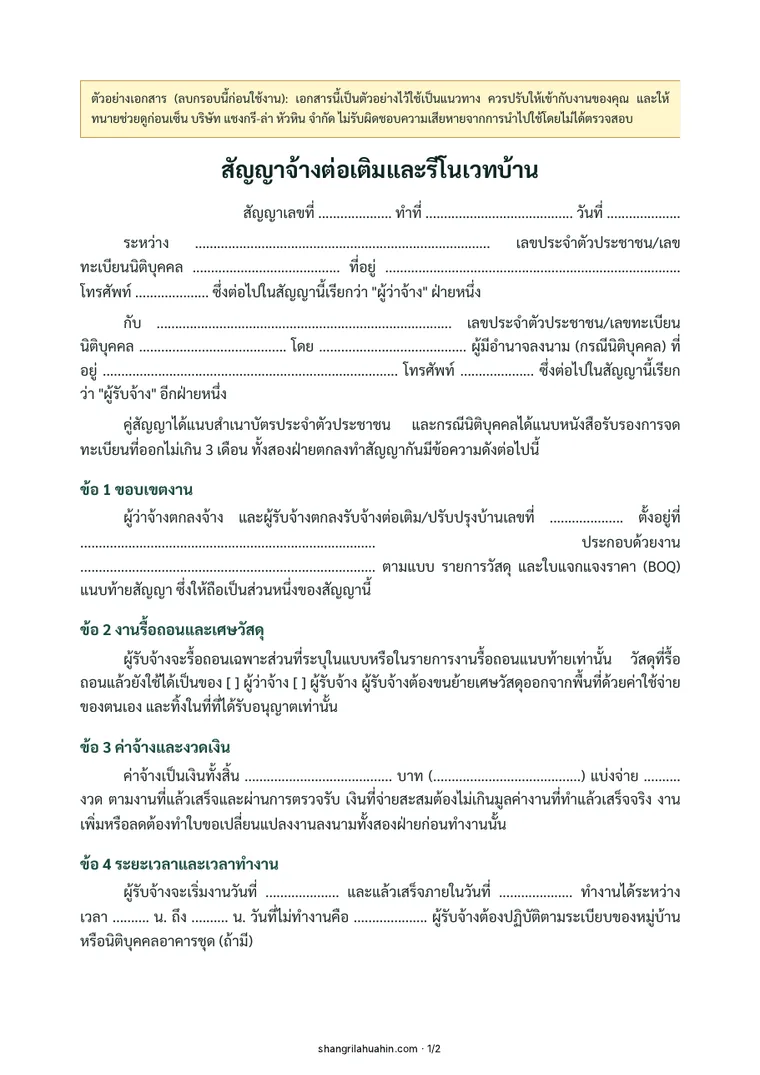
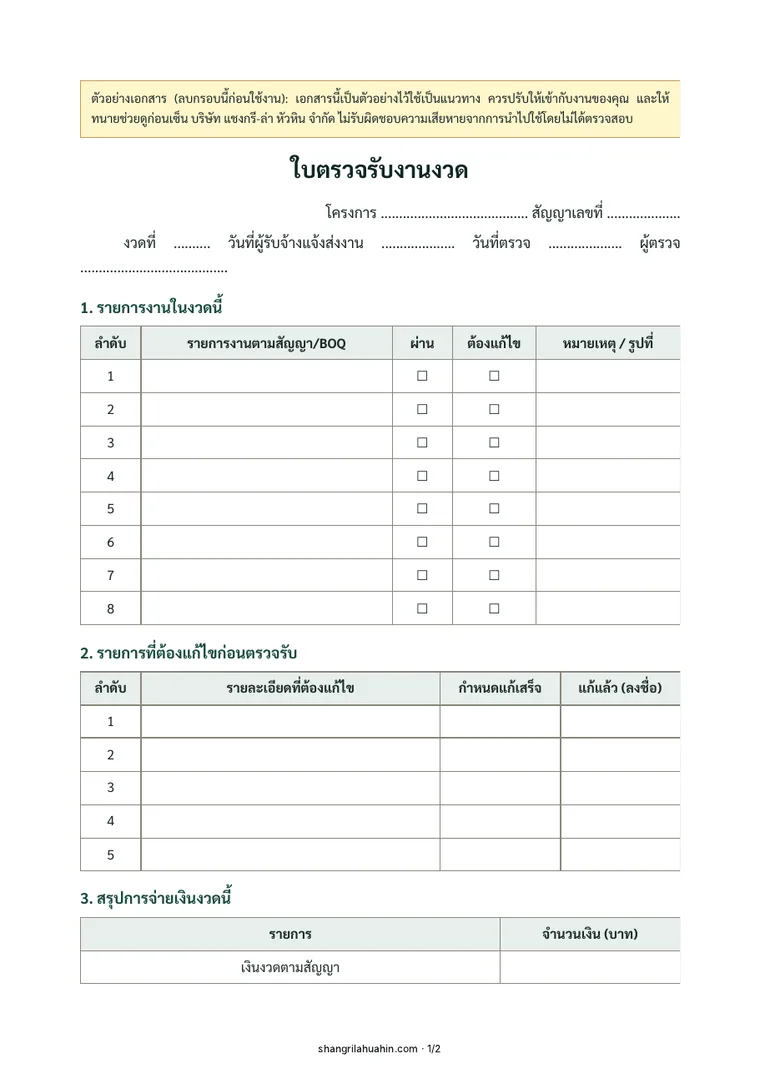
Every time you change the design, change materials or add work to what was agreed.
What is in this document
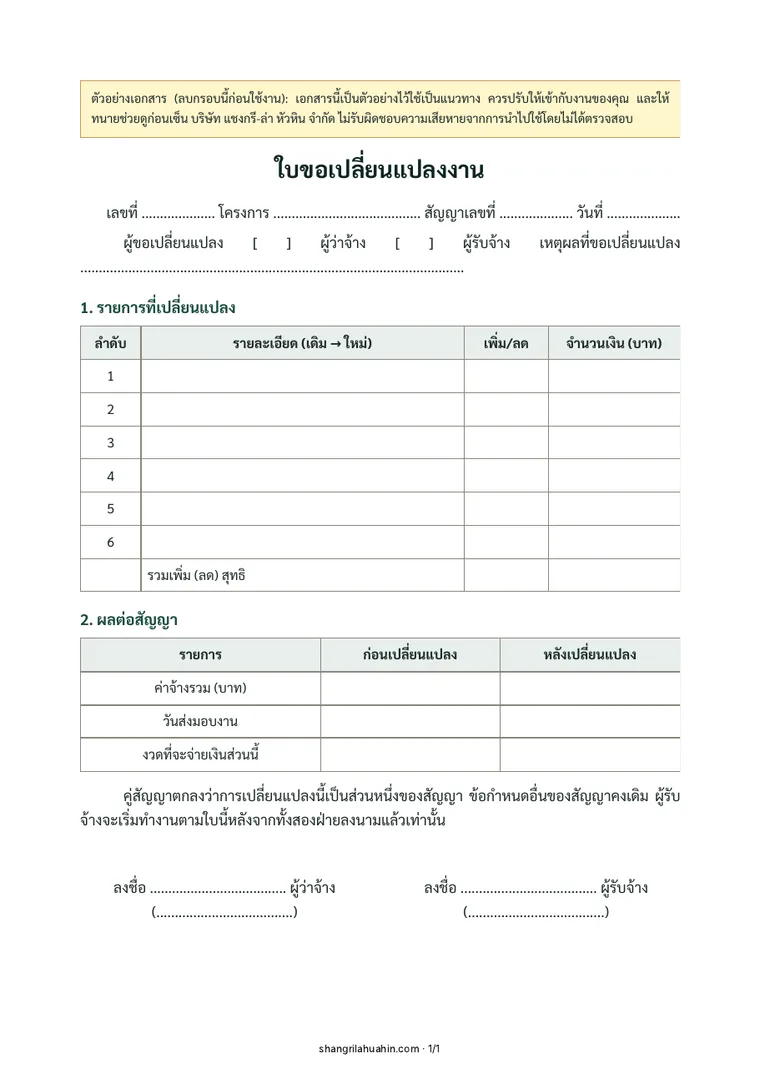
- The items changed, with the price added or removed for each
- The effect on the contract total and handover date
- Signed by both sides before work starts
Sections in the document
- Items changed
- Effect on the contract
How to use it
- Print the PDF, or fill in the Word file.
- Fill in the items to match the contract and BOQ, and attach site photos.
- Have both sides sign before paying, or before starting the changed work.
- Keep it in the same file as the contract.
Sample text from the document
1. Items changed
2. Effect on the contract
Frequently asked questions
What are surprise extras?
Work or costs a contractor charges on top of the agreed price during construction, usually because the scope was unclear. The protection is to put every change on a change order signed before the work is done.
Without a change order, do I have to pay?
If the contract says additional work must be agreed in writing and signed by both sides first, the owner does not have to pay extra for work done without it.
Read more
- Hiring a builder in Thailand as a foreigner: what the contract needs
- How to hire a contractor for your housing project
Planning to build? See every item before you decide.
Send your location, plans or photos and we will come back with an initial scope of work.